
TP-Link Omada guest Wi-Fi configuration
TP-Link Omada Software Defined Networking (SDN) integrates with RM-WiFi using the external portal server interface in the Omada controller.
The RM-WiFi management console generates a per-venue setup guide with your exact Omada Custom Portal Server URL, pre-authentication access list, and Hotspot Operator API connection test across Omada SDN v5.x and v6.x.
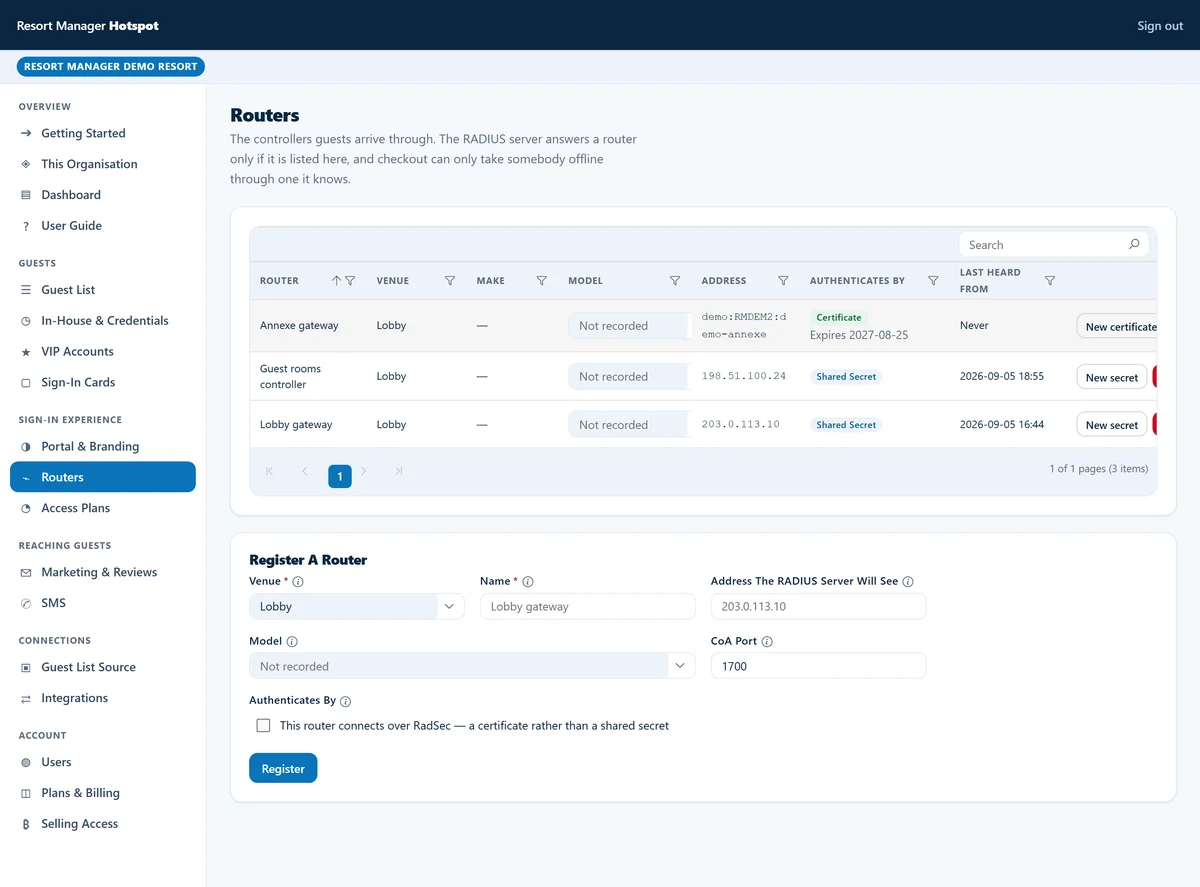
Per-venue setup guide in the RM-WiFi console
Every venue in RM-WiFi has its own portal URL and pre-authentication rules. To configure a TP-Link Omada network, open the RM-WiFi management console, choose TP-Link Omada in your venue's hardware wizard, and copy the generated settings directly into your Omada SDN controller:
- Your venue's Custom Portal Server URL
- Generated specifically for your venue so the Omada controller passes client and access-point identifiers cleanly to RM-WiFi.
- Your venue's Pre-Authentication Access list
- Pre-populated with your venue's portal domain and any enabled social login endpoints (while excluding OS connectivity probe domains so mobile sign-in prompts open reliably).
- Hotspot Operator API verification
- Tests your Omada Hotspot Operator credentials straight from the RM-WiFi console.
Controller architecture and prerequisites
RM-WiFi integrates with TP-Link Omada networks by interfacing with the Omada SDN controller. When a guest signs in on the captive portal, RM-WiFi communicates with the Omada controller API to authorise the device MAC address for the designated stay length and bandwidth profile.
Review requirements before starting the console wizard:
- Supported controller environments
- Compatible with Omada hardware controllers (OC200, OC300), software controllers (Windows, Linux), and Omada Cloud-Based Controllers running version 5.0.15 or later.
- Centralised gateway and AP management
- The Omada controller provisions captive portal redirection across all managed Omada EAP access points and Omada gateway routers.
- Dedicated Hotspot Operator account
- As guided in the RM-WiFi console, create a scoped Hotspot Operator profile in your Omada controller's Hotspot Manager so RM-WiFi can grant and revoke guest sessions without using your master administrator login.
How the Omada integration works
Once linked via the RM-WiFi console, your Omada wireless network handles staying guests and day visitors automatically:
- Guest SSID & VLAN separation
- Guest traffic stays isolated from your property's operational PMS and POS network.
- Live PMS room verification
- Direct-booked hotel guests sign in with their room number and surname without email prompts; OTA-booked guests can be prompted for their personal email and optional marketing consent; non-resident diners and beach club visitors sign in via email, Google, or Apple.
- Check-out expiry after a short grace period
- When a hotel guest checks out in the PMS, RM-WiFi ends their Wi-Fi access after a short grace period and revokes the client authorisation in the Omada controller.
Testing and operational verification
Verify end-to-end integration from the RM-WiFi management console:
- Test API connectivity
- Click Test Connection in the RM-WiFi console to confirm operator login and controller communication.
- Perform mobile client test
- Join the guest SSID using a smartphone and confirm that your branded captive portal opens automatically.
- Inspect authorised clients
- Confirm that authenticated devices appear in the RM-WiFi venue dashboard and under Hotspot Manager > Authorized Clients in the Omada controller.
Clear subscription plans, or a tailored quote for your property.
See our published monthly rates for RM-WiFi, RM-Tables, RM-CRM, RM-Desk and Resort Manager Flex on our Pricing page, or tell us how many rooms and outlets you run and which add-on modules you need for a tailored proposal.